Back to Projects
Receipt Snap screenshot 1
Receipt Snap screenshot 2
Receipt Snap screenshot 3
Receipt Snap screenshot 4
Receipt Snap screenshot 5
Receipt Snap screenshot 6
Receipt Snap screenshot 7
Receipt Snap screenshot 8
Receipt Snap icon

Receipt Snap

Snap receipts, AI fills in merchant, amount, and date. Export by date range.

AndroidFinanceAIProductivityEnglishKoreanSpanish

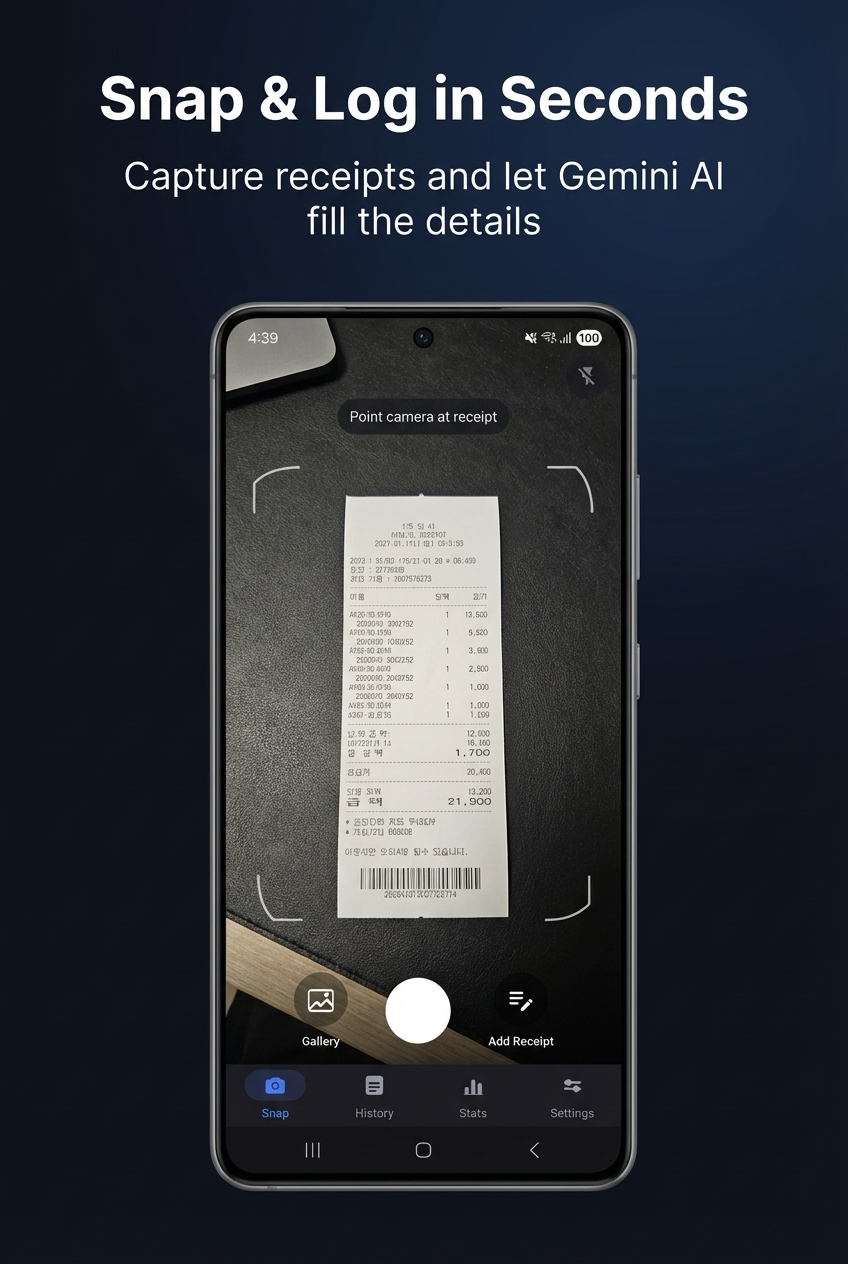
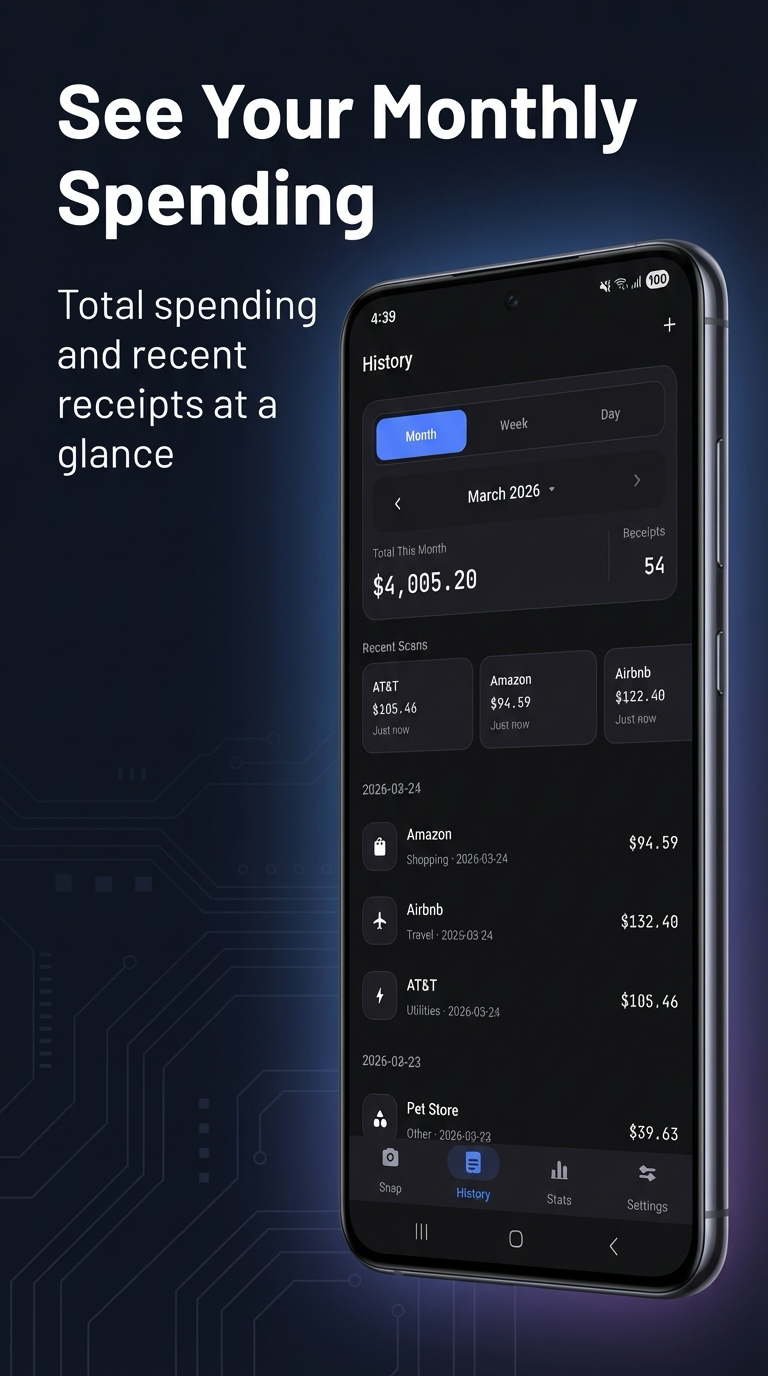
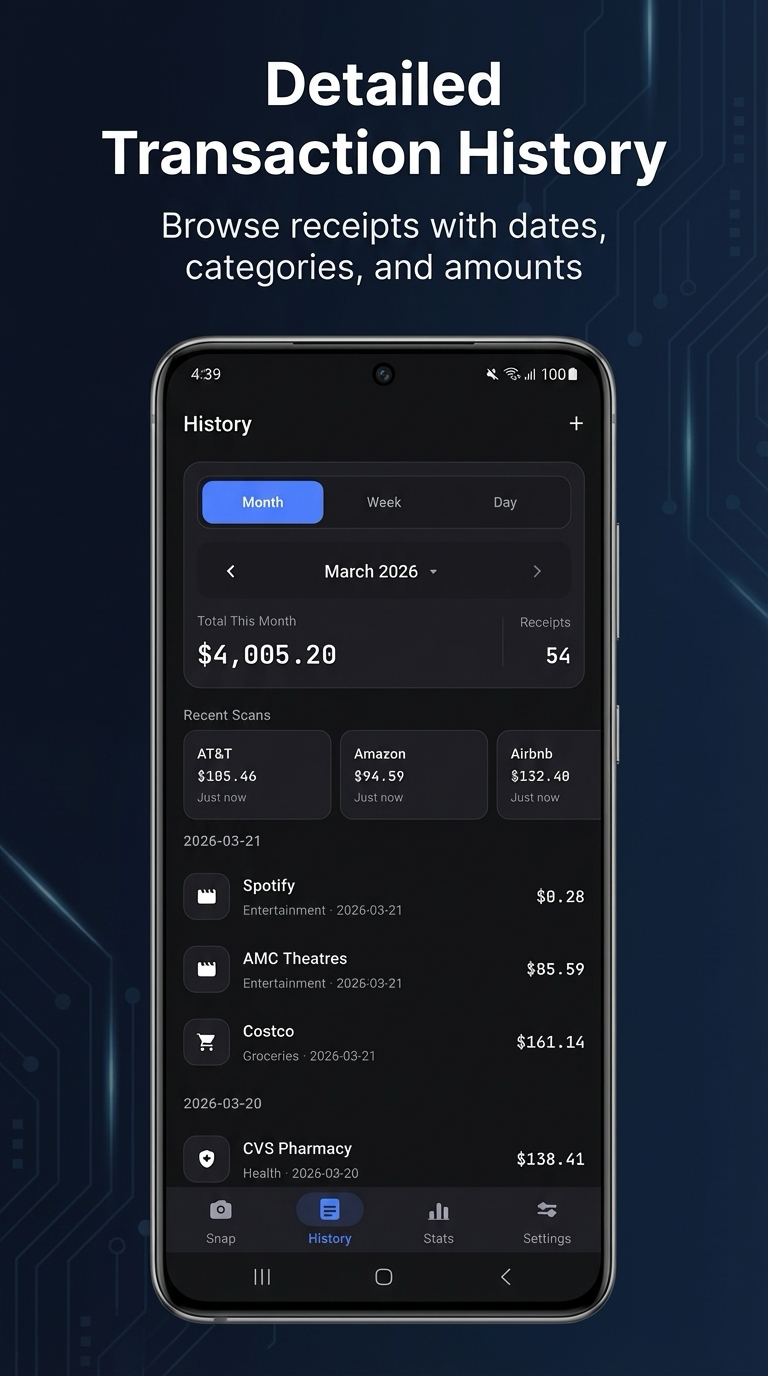
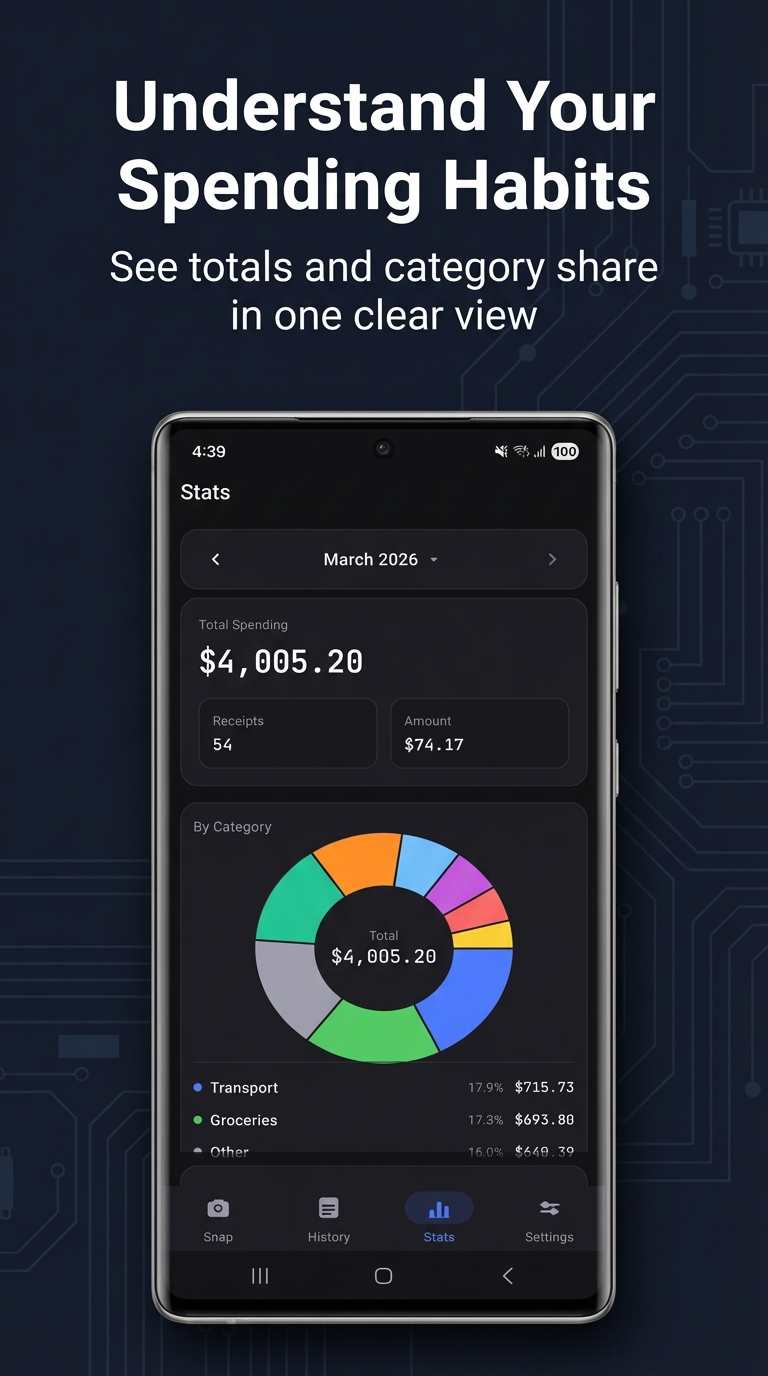
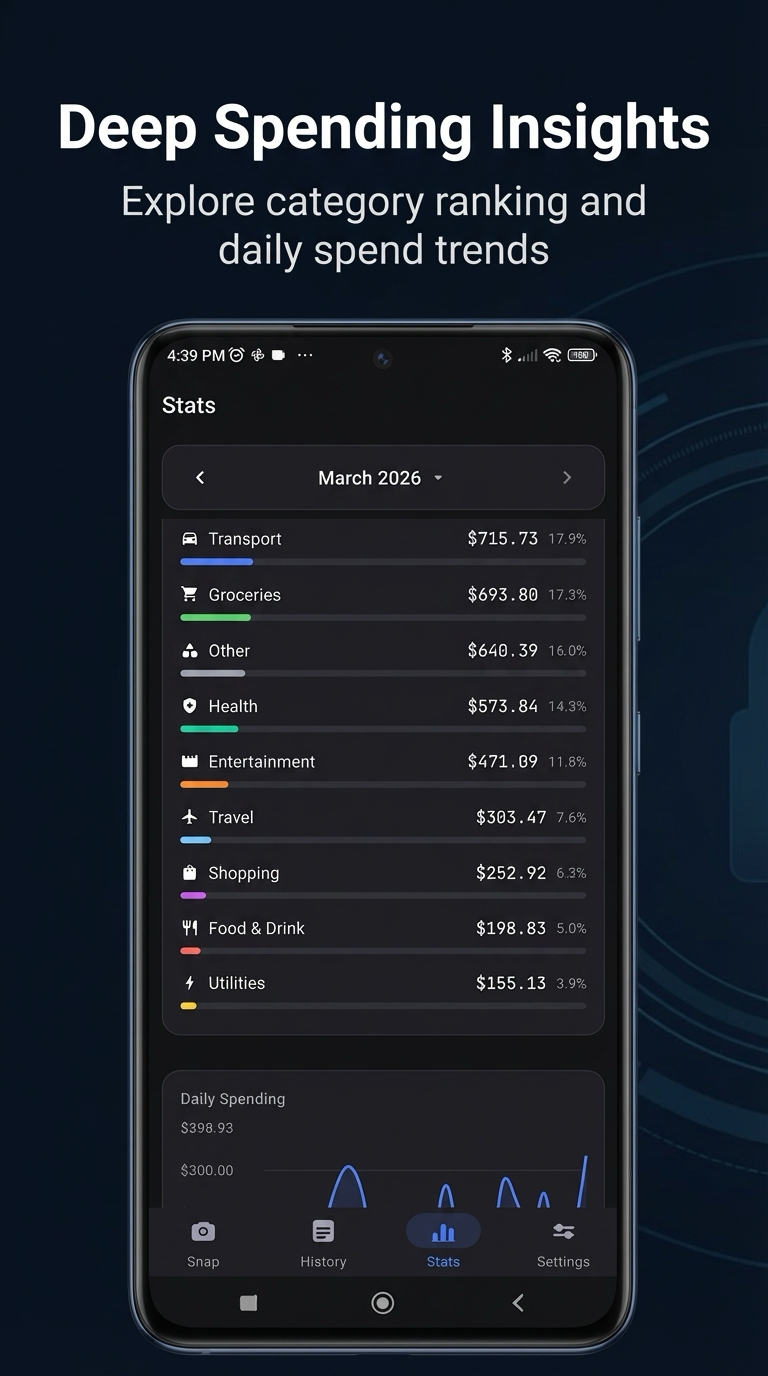
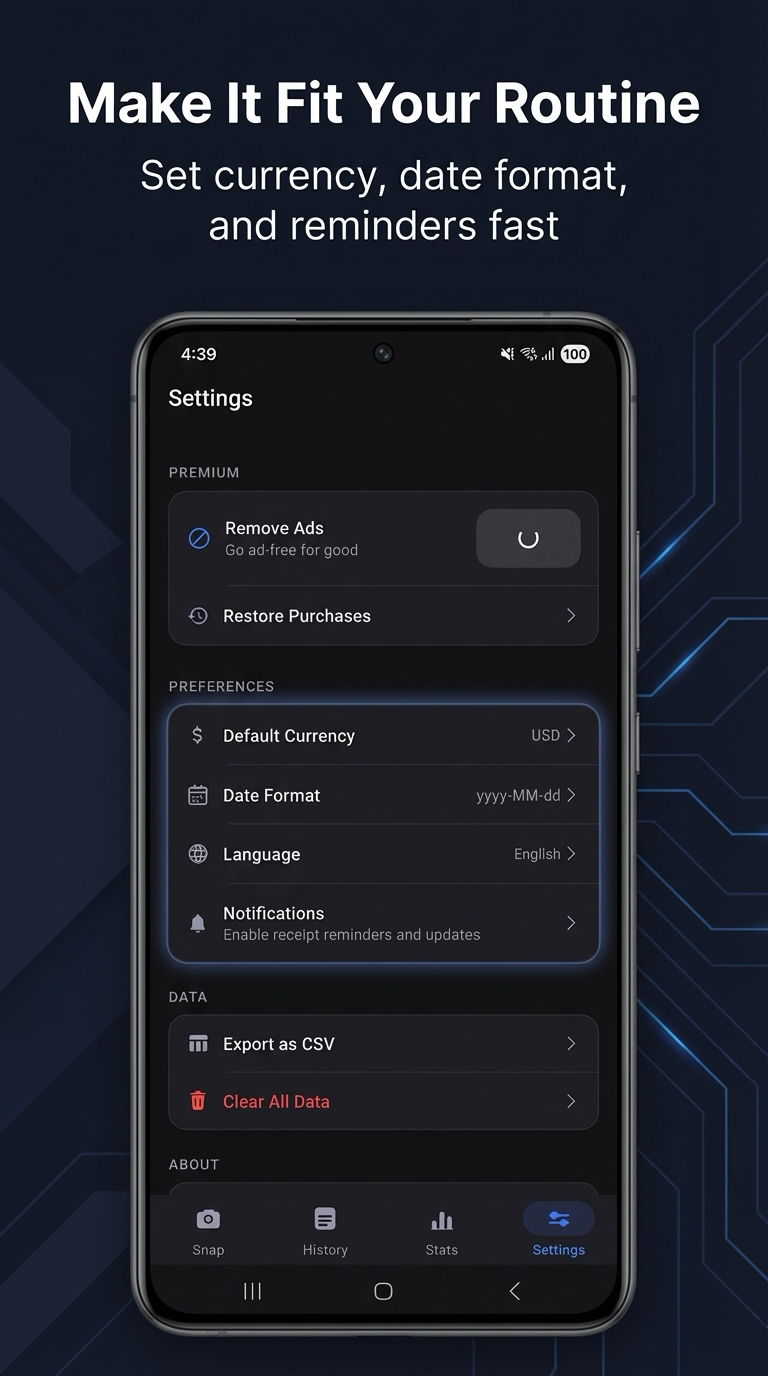
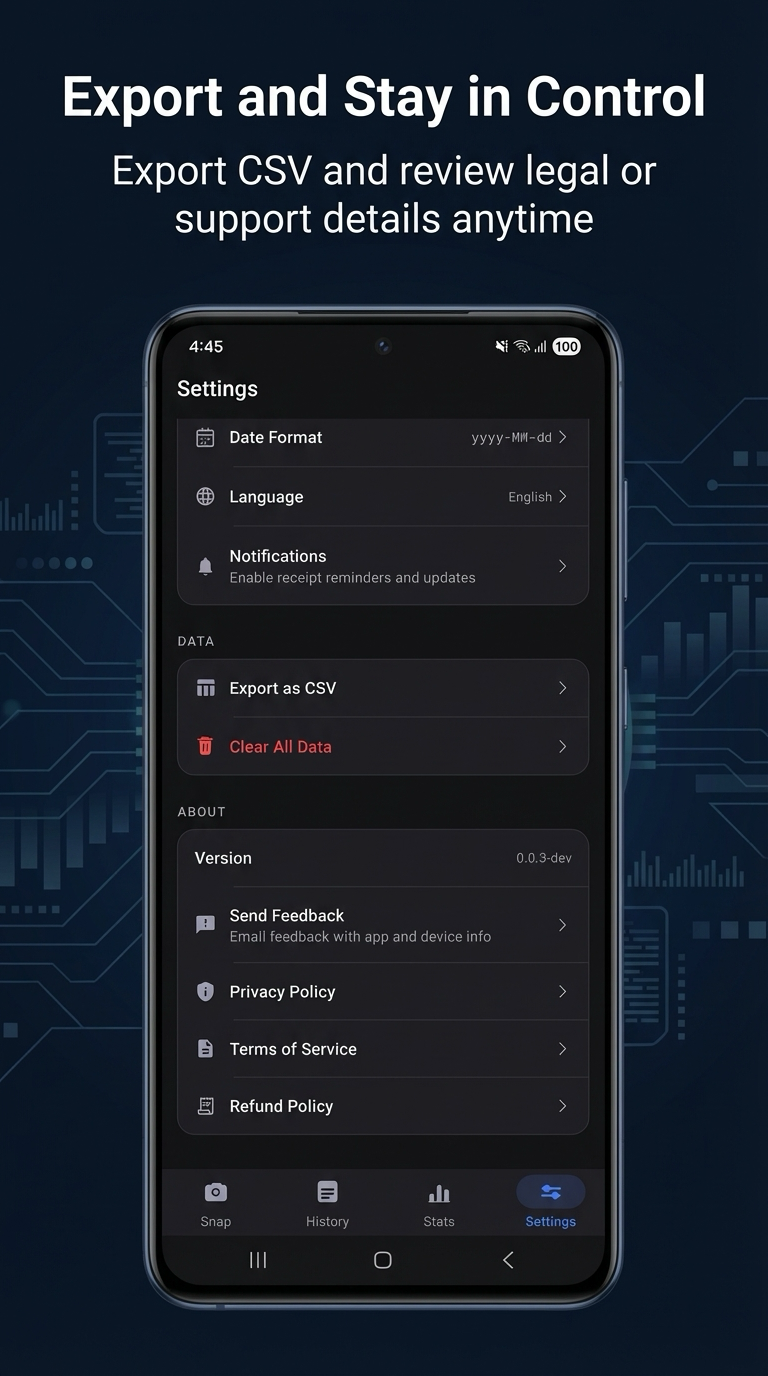
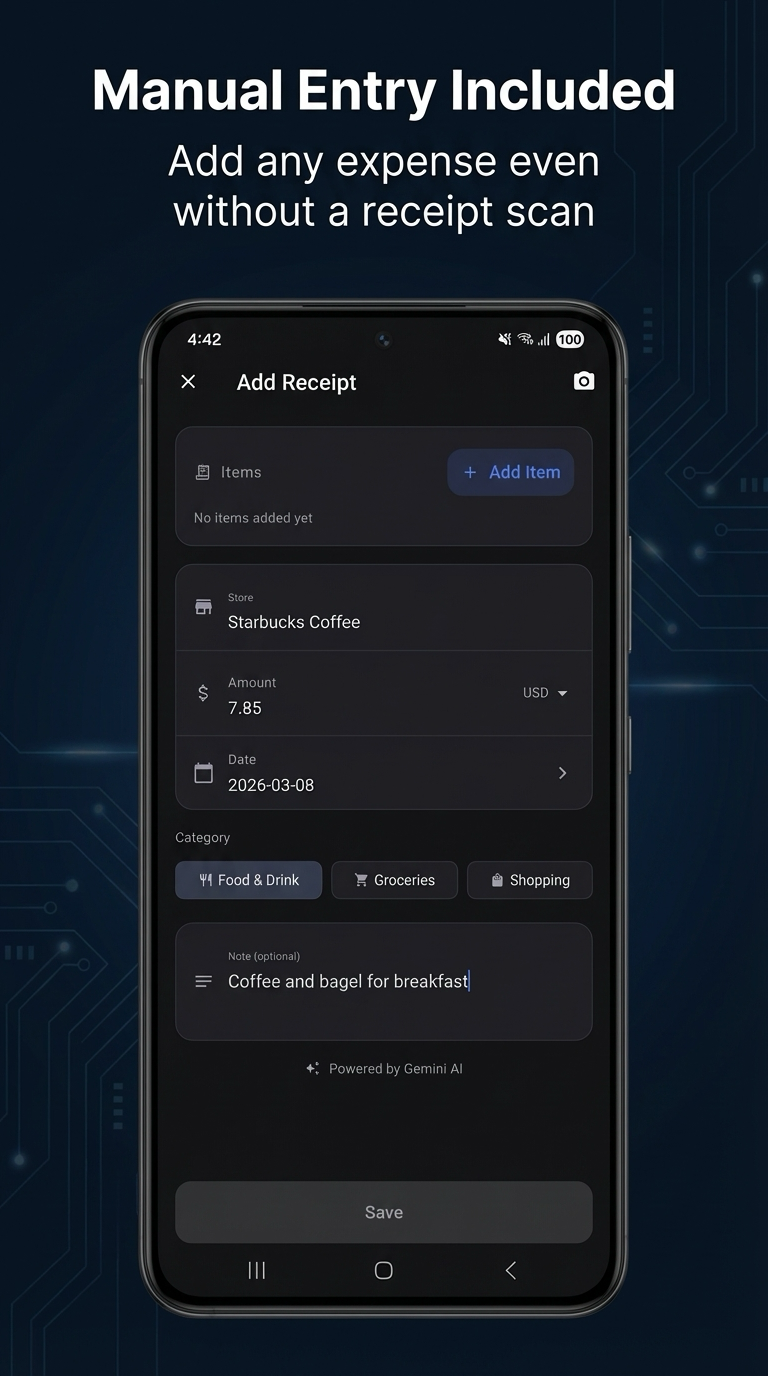
Tired of manually logging daily expenses? Receipt Snap turns receipt photos into saved expense entries in seconds with Gemini AI. Receipt Snap is built for people who want to keep spending records up to date without typing every detail by hand. Capture a paper receipt with your camera, import an image from your gallery, or add an expense manually when you need a fallback. Review the extracted details, make quick corrections, and save with confidence. Why people use Receipt Snap: • Scan receipts and extract merchant, date, amount, and category with Gemini AI • Import receipt photos from your gallery when you already have the image • Crop before analysis so the AI focuses on the receipt area • Review and edit every field before saving — nothing saves automatically • Adjust line items when receipt details need correction • Add expenses manually when scanning is not practical • Browse expense history by month, week, or day • See totals, category breakdowns, daily spending, and top merchants in Stats • Export to CSV directly from Stats — choose this month, last month, or a custom date range (premium) • Set reminders so you never fall behind on logging • Keep your full expense history available with local, offline-friendly storage • Cloud backup and sync when signed in with Google (premium) Fast capture, practical review: Receipt Snap is designed around a simple flow: snap, confirm, save. The app helps you move quickly, but it does not lock you into automation. If the AI misses something, you can fix the merchant, amount, category, date, note, or line items before saving. Clear history and useful insights: Your saved receipts are easy to revisit. Use the history screen to review grouped expenses, then move to Stats for a clearer view of how you spend over time. Category share, daily trends, and top merchants are always visible without needing to export first. Premium subscription: • Unlimited AI receipt scans (free plan includes daily AI scans that refill each day) • Ad-free experience across all screens • Cloud backup and sync via Google account • Custom date range CSV export from Stats • Priority support Built for everyday use: Receipt Snap works in English, Korean, and Spanish. Notification reminders help you stay consistent. Whether you are tracking coffee, groceries, utilities, travel, or shopping, the goal is simple: less manual typing, more accurate records. Download Receipt Snap and keep your spending history up to date.