
Email the customer when an order ships, from Wix Automations
You mark an order shipped, type the tracking number, and want the customer to read your words rather than the store's standard template. So you open Automations, look for a trigger about shipping, and it is not there.
Here is what the builder can start from, why the tracking number is not there to insert, and how to send a shipping email you wrote.
The trigger nobody could find
On Wix's own forum, on 25 December 2024, a shop owner asked: "Is there any way to trigger an automation in Wix when a tracking number is added to an order?" Nobody answered.
Four months later a Wix Studio store owner hit the same wall. A store's own emails are "not very customizable", so they had written their own for an order being placed. They wanted that email when the order ships, tracking number and all, and found no trigger for it.
The workarounds cost more than the problem. One merchant tried reading the order instead: "I set up a condition to read the Status element, but it can never tell when the order is fulfilled." Another moves orders out to an ERP and carries the tracking numbers back by hand, hours a day.
What the builder starts from
Wix's help page on store triggers lists what an automation can begin with: an order is placed, a checkout is abandoned, a product is created. The same page says pre-orders and order fulfillment cannot trigger one, and that votes are being collected for it.
Everything after the trigger is generous, which is what makes the gap easy to miss: delays, conditions on the products ordered, an email, a chat message, a coupon. All of it hangs off a moment that happens before you pack anything.
Your store does send one shipping email by itself: Add Tracking No. carries a Send shipping confirmation email checkbox, and the number appears in it. That is the template those threads want to replace, one wording for every order.
Three steps to a shipping email you wrote
Order Triggers for Automations is our app. It adds four triggers to your builder and reports an event to them when something happens to an order. Your automation still sends the email.
Install it. There is nothing to connect
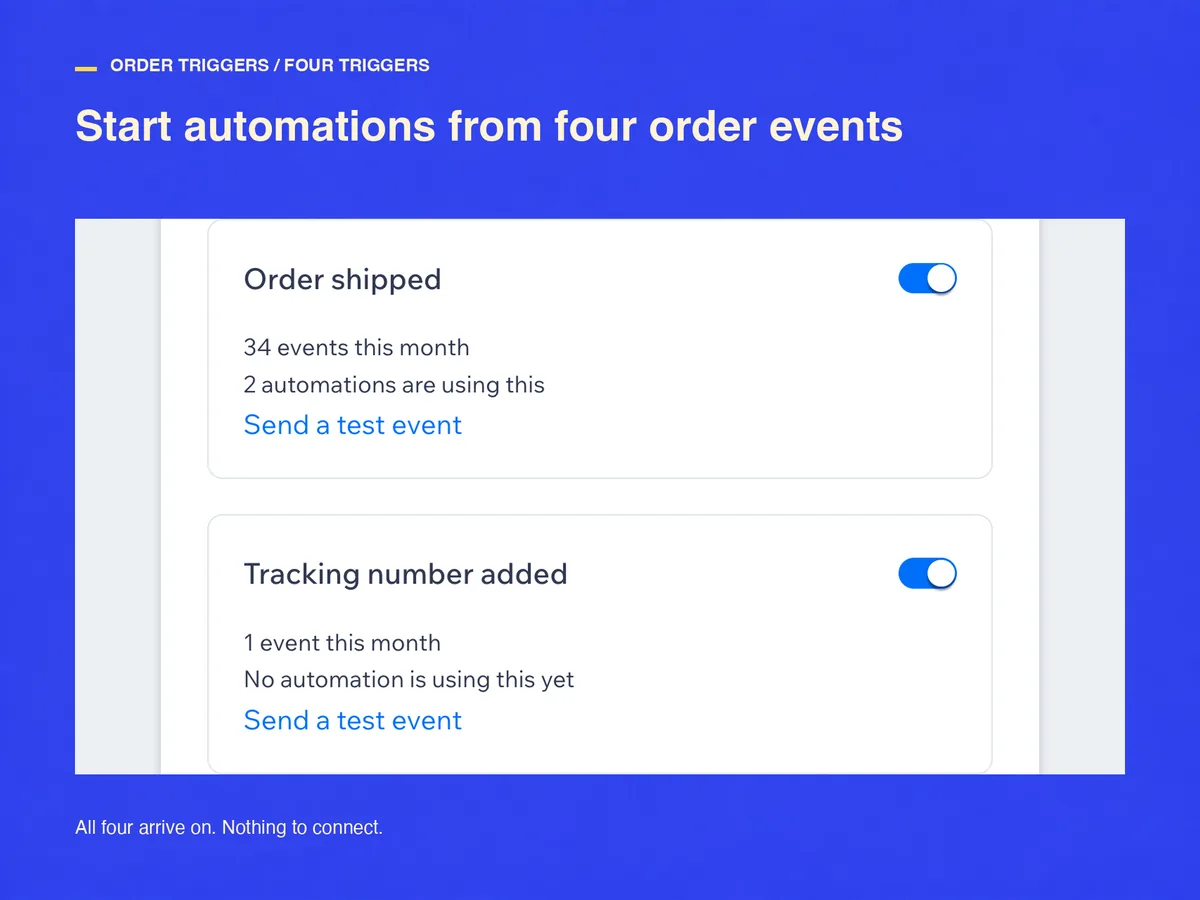
Four triggers arrive switched on: Order shipped, Tracking number added, Order partly shipped and Order canceled. Nothing to connect and nothing to fill in. The home screen puts each one beside the events it saw this month and the automations listening to it.
Open the builder and pick the trigger
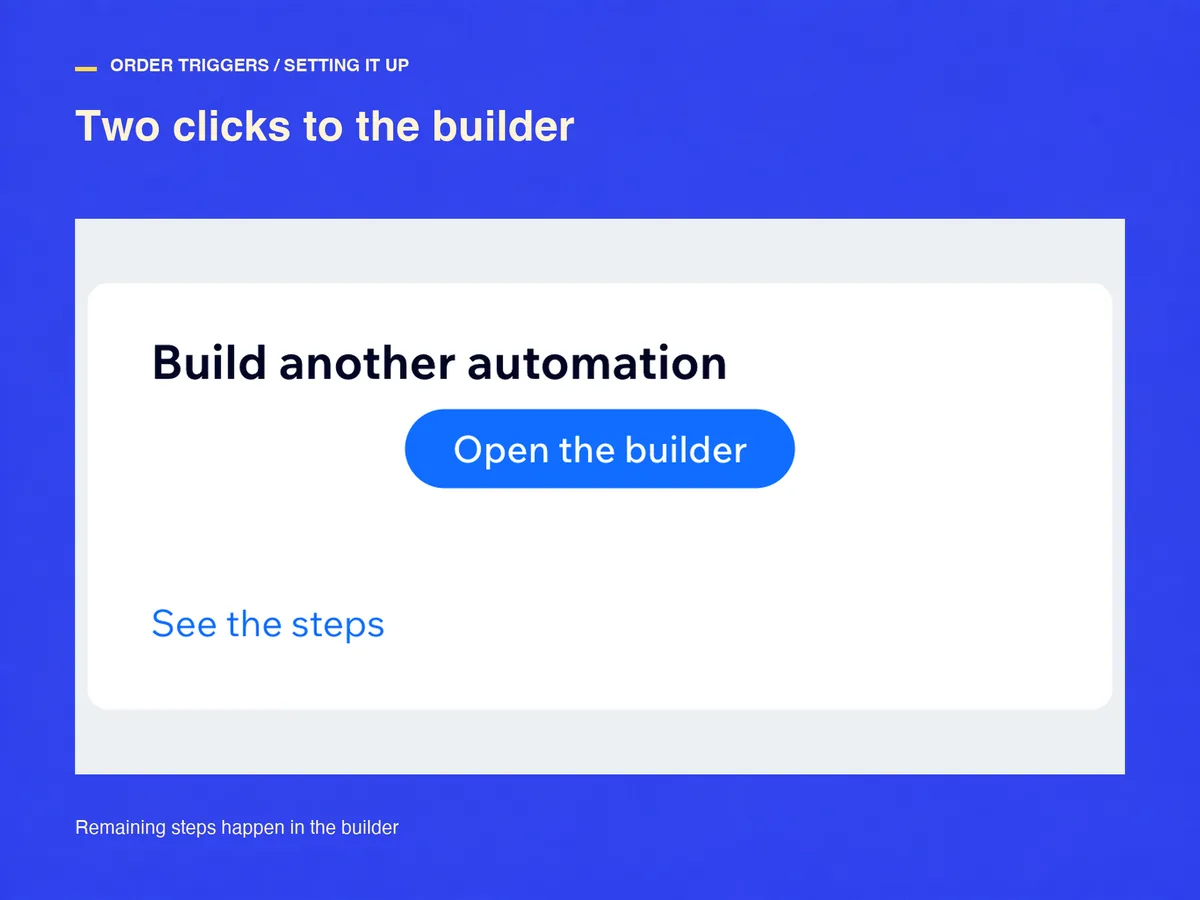
Press Open the builder in a new tab. The triggers sit in their own group under the app's name; the builder shows three and folds the fourth behind Show all (4). Pick Order shipped, Apply, then the + below it, then Send an email. Button names follow your dashboard language.
Put the tracking number in the message
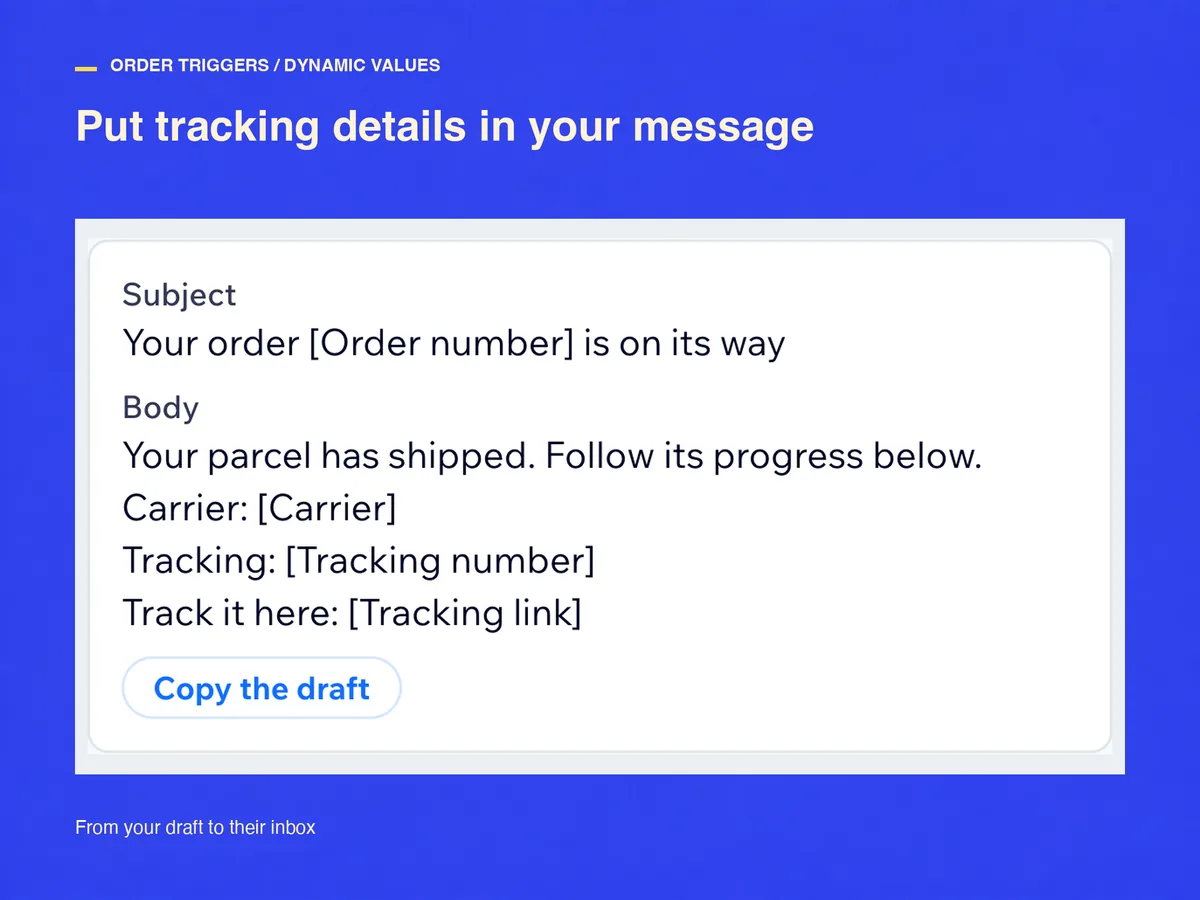
Values come from Customize beside the field rather than the keyboard: order number, tracking number, carrier, tracking link, items and order total. The card carries a subject and body to copy, with a [name] wherever a value belongs. An eighth value stays out of that list: the customer's contact, which is what lets Send an email reach the buyer. Then Apply, Activate, and Send a test event: it reports your most recent order for real, so you read the result before a customer does.
Part shipments, cancellations, and one message per parcel
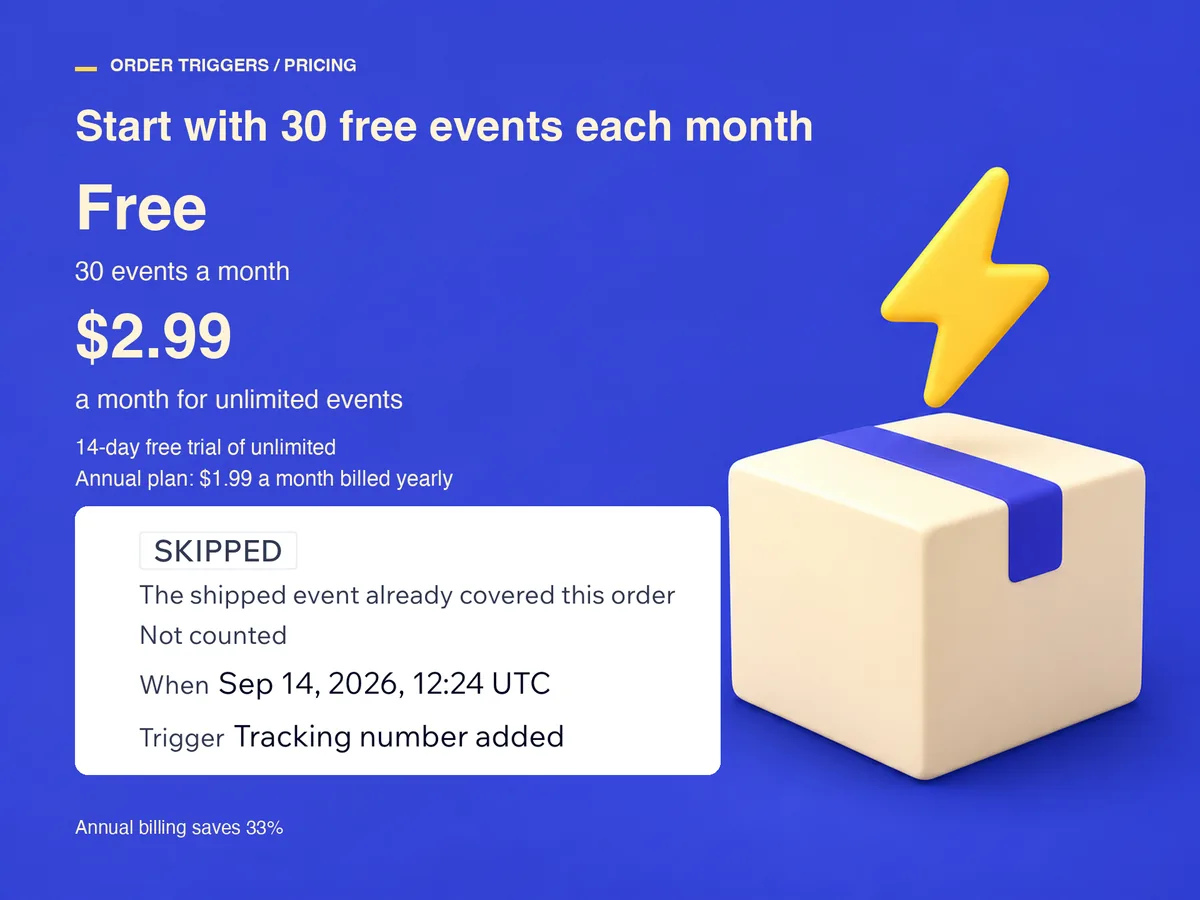
Adding a tracking number marks the order fulfilled and changes its shipments, so the app hears about it twice, a second apart. One event goes out, Order shipped, with the number already in it; the other is folded away and costs nothing. Tracking number added reports only when a number appears on, or changes for, an order that had already shipped.
Ship an order in parts and Order partly shipped reports once per shipment, so every parcel gets its own message. Order canceled reports whether you or the customer cancelled. Values that do not apply are left out rather than sent empty, so write cancellation emails without the tracking fields.
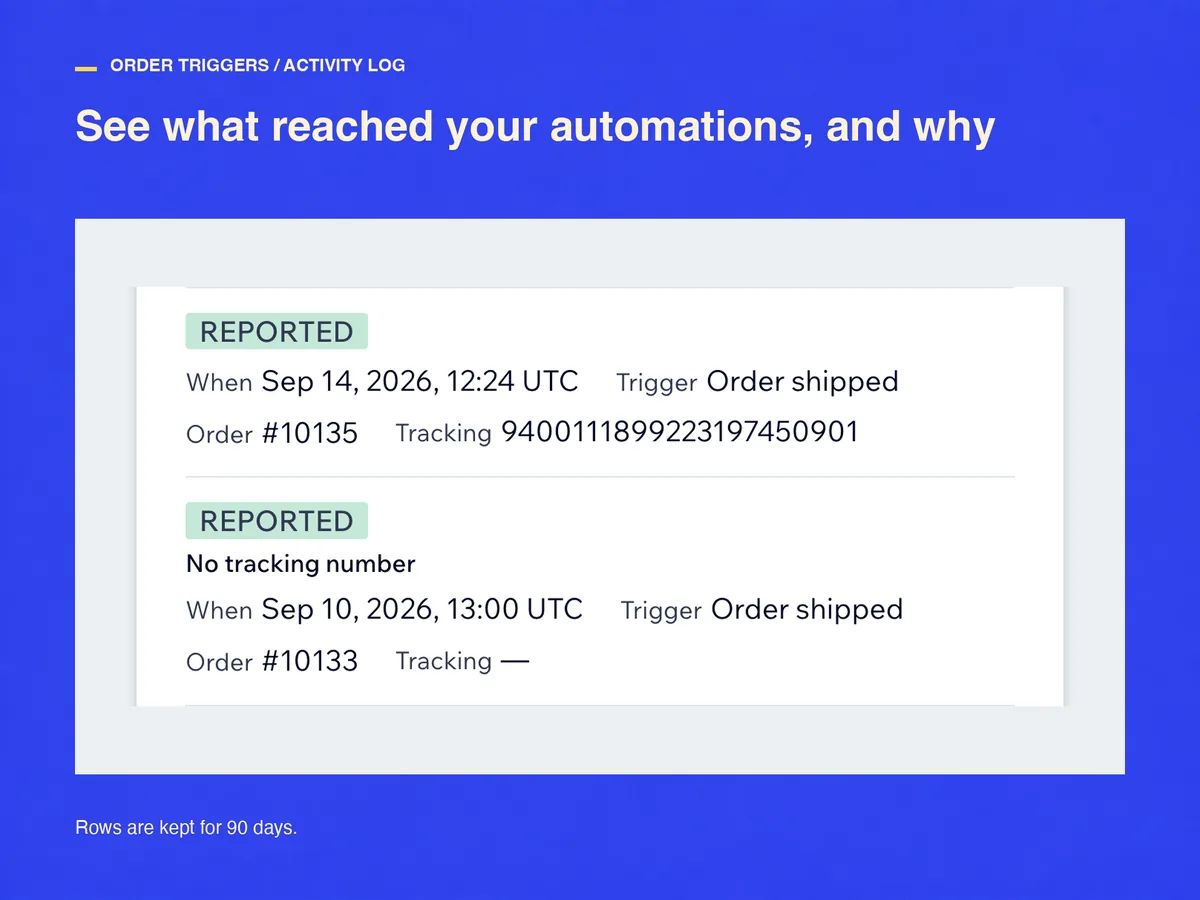
Every event lands in the log as reported, skipped with its reason, or failed with a Try again that re-reads the order. Rows are kept for 90 days.
What it costs, and what it will not do
Free reports 30 events a calendar month. Only reported events count: a skipped one costs nothing, a failed one gives its slot back, and tests are free.
Nothing is charged automatically. Past 30, new events are recorded as skipped and do not reach your automations, each with a Try again so you decide which are worth sending late. Standard is $2.99 a month, or $1.99 billed yearly, with a 14-day free trial.
The app supplies the triggers and their values and nothing else. It does not send the email, so the wording, the design and the timing stay with you. Uninstall it and the triggers leave your builder and what it stored is deleted.
Frequently asked questions
Do I have to change how I ship?
No. The event comes from the order being marked fulfilled, not from who marked it, so a fulfillment your label app records counts the same as one you enter by hand.
Will a customer get two shipping emails?
Not from one shipment: the app reports it once. But your store's own confirmation, and any shipping app that emails customers, keep sending. Clear that checkbox, or switch the other app off, before you activate yours.
What does it cost?
Free covers 30 reported events a calendar month. Standard is $2.99 a month, or $1.99 billed yearly, with a 14-day free trial. Billing runs through the App Market.
Can I get a refund?
Cancel during the trial and nothing is charged. After a charge, write within 14 days and we refund it in full. Unused whole months on a yearly plan are refunded on request.
See Order Triggers for Automations on the Wix App Market
See Order Triggers for Automations on the Wix App Market